
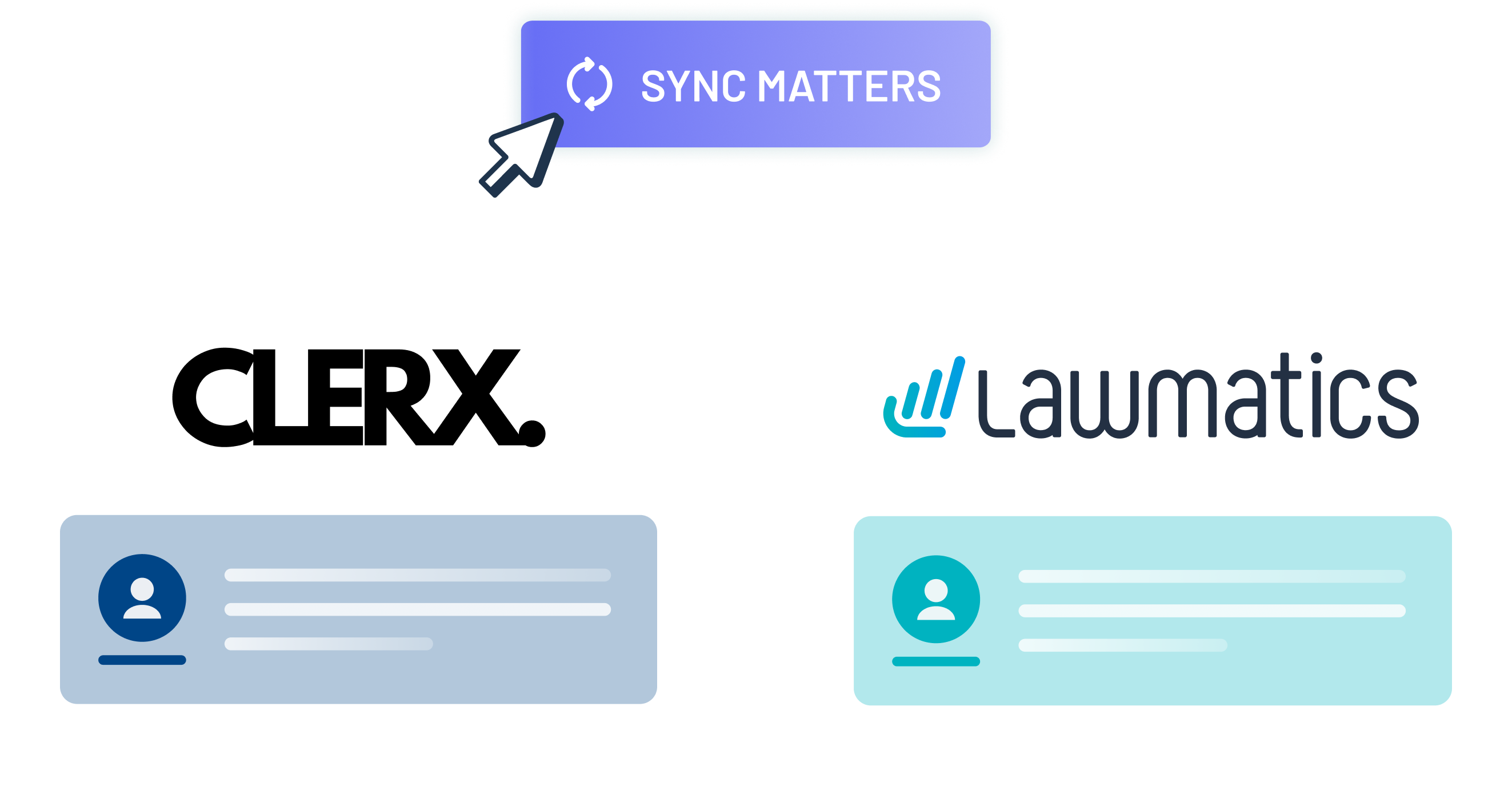
What You Get With This Integration
- Matter and contact created in Lawmatics from information collected from Clerx AI
- See transcript of initial contact in a note on the matter
- Appointments scheduled using Clerx AI will appear in your Lawmatics calendar
Implementation Blueprint
Estimated timeline: 2 to 4 weeks depending on scope, mapping complexity, and QA depth.
- Align the Clerx AI business outcome with your intake and matter workflow.
- Map data fields and ownership between systems before any automation is enabled.
- Configure sync triggers, guardrails, and notifications for edge-case handling.
- Run staged QA with real scenarios and sign-off criteria from operations leadership.
- Publish SOPs and assign ongoing ownership for changes, monitoring, and resyncs.
QA and Handoff Controls
QA Checklist
- New records appear in the destination tool with required fields populated.
- Updates sync correctly without creating duplicates or overwriting approved values.
- Failure states are logged and routed to a named owner.
- Reporting views match expected counts before and after go-live.
Common Handoff Risks
- Unmapped or renamed fields can silently break downstream automations.
- Inconsistent ownership creates delays in triage when sync issues appear.
- Missing QA gates can push bad data into reporting and billing workflows.
MHSB Integration Notes
MHSB Implementation Perspective
MHSB configures and optimizes the Clerx AI + Lawmatics workflow so your intake handoff, matter updates, and follow-up automations stay consistent as your firm scales.
Source-Aligned Overview
Automatically create new leads in Lawmatics via client information collected from Clerx AI using the Lawmatics API.